
During a production outage, every minute counts. Engineers are under intense pressure to inspect metrics, parse application logs, analyze deployment histories, and identify what broke. Connecting these isolated signals manually under pressure takes time and increases cognitive load.
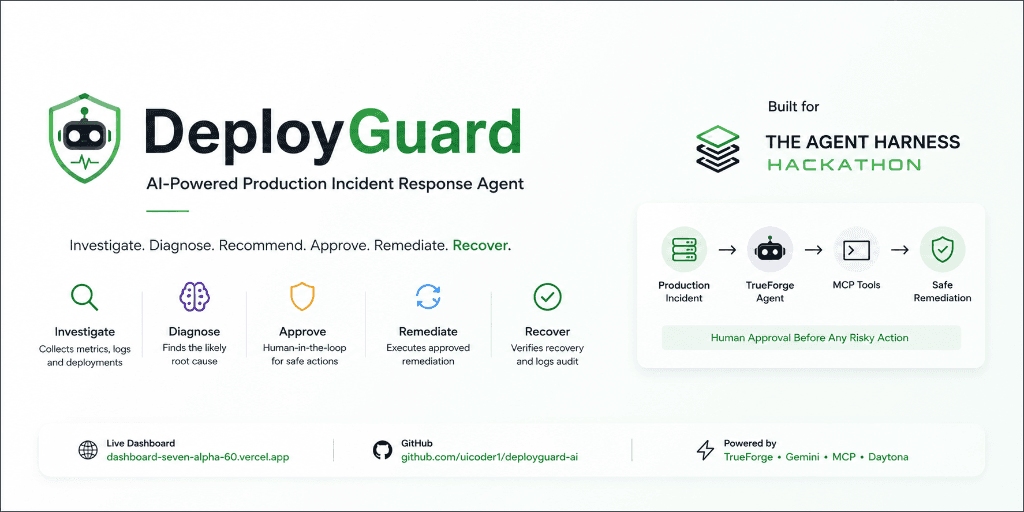
I built DeployGuard for The Agent Harness Hackathon to explore how AI agents can streamline incident investigation and remediation. DeployGuard acts as an AI Site Reliability Engineer (SRE): it investigates production anomalies, correlates evidence from service telemetry and deployment logs, recommends remediation, waits for explicit human approval before executing risky actions, executes rollbacks in a simulated production environment, verifies recovery, and logs a full audit trail.
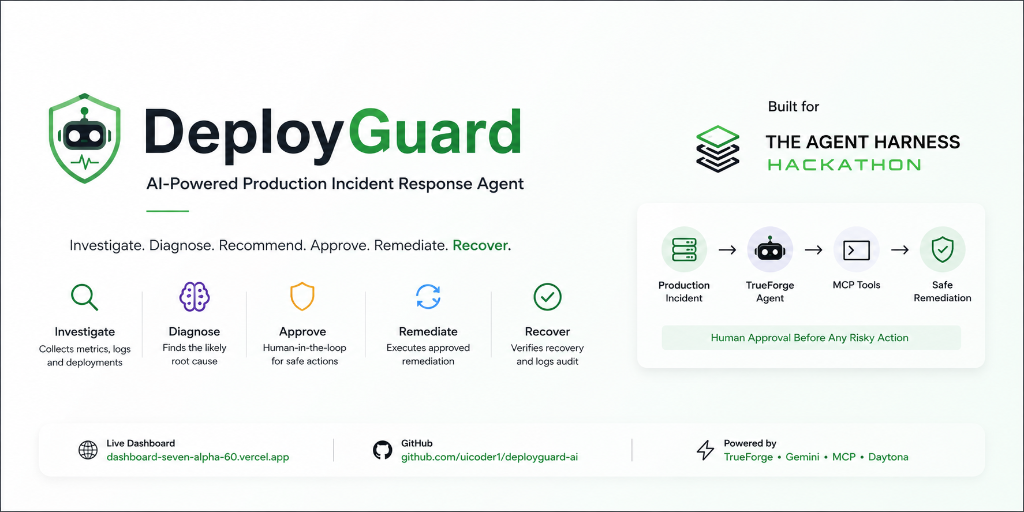
Quick Links & Submission Resources
* 🌐 Live Dashboard: DeployGuard Web Dashboard
* 💻 GitHub Repository: uicoder1/deployguard-ai
* ⚡ TrueForge Framework: truefoundry/trueforge
* 🔀 Qodo Code Review: Pull Request #2
* 🎥 Demo Video: Watch Video Demo
1. Introduction
I built DeployGuard for The Agent Harness Hackathon organized by TrueFoundry. The goal was to build an intelligent, safe agent workflow using TrueForge.
DeployGuard is an AI production incident response agent that functions like an AI SRE. When a production alert fires, the agent autonomously investigates the service, collects logs and metric evidence, identifies the likely root cause, formulates a remediation recommendation, requests human approval before any risky action, executes the approved rollback in a simulated production environment, and verifies that the service actually recovered.
You can inspect the project live on the DeployGuard Dashboard and review the source code on GitHub.
2. The Problem
When a microservice degrades or fails in production, engineers rarely face a simple error message. Instead, telemetry is scattered across multiple tools:
- Grafana / Datadog: Shows spikes in HTTP 500 error rates and response latency.
- CloudWatch / Kibana: Contains thousands of application log lines with connection timeouts and stack traces.
- GitHub / CI/CD: Contains recent deployment histories, commit hashes, and environment variable changes.
- Infrastructure State: Shows instance health checks and container restarts.
Connecting these isolated signals quickly is hard, especially during late-night outages. An engineer must manually correlate when error rates began spiking with which deployment went live at that exact minute.
I wanted to build an agent that could perform this multi-source telemetry investigation automatically, while keeping a human firmly in control of any action that modifies infrastructure state.
3. What I Built
DeployGuard follows a nine-step end-to-end incident response lifecycle:
Incident Alert
   │
   ▼
Investigation Triggered
   │
   ▼
Evidence Collection (Metrics + Logs + Deployments)
   │
   ▼
Root Cause Analysis (Gemini Reasoning)
   │
   ▼
Remediation Recommendation
   │
   ▼
HUMAN APPROVAL (Pauses Execution)
   │
   ▼
Rollback Execution (MCP Tool Call)
   │
   ▼
Recovery Verification (Post-action Check)
   │
   ▼
Audit Record Logged- Incident: Receives notification of a degraded service.
- Investigation: Queries status metrics and error counts.
- Evidence Collection: Gathers application logs and recent release logs over Model Context Protocol (MCP).
- Root Cause Analysis: Correlates log timestamps with deployment releases.
- Remediation Recommendation: Formulates a targeted version rollback proposal.
- Human Approval: Pauses the agent execution loop and prompts the user for confirmation.
- Rollback: Calls the rollback tool only after explicit operator authorization.
- Recovery Verification: Re-queries telemetry to confirm error rates dropped to normal levels.
- Audit Record: Writes a structured post-mortem log of all evidence, prompts, and actions.
Safety Architecture Note: The production environment in DeployGuard is completely simulated. Rollback operations modify a simulated service state and do not alter live cloud infrastructure.
4. How TrueForge Fits Into the Project
DeployGuard runs directly through TrueForge, TrueFoundry's open-source agent harness framework.
Instead of being just a background dependency, TrueForge is the core runtime that powers the agent's entire execution loop:
                         USER
                           │
                           ▼
                  ┌─────────────────┐
                  │    TrueForge    │
                  │   Agent Harness │
                  └────────┬────────┘
                           │
                    Gemini Reasoning
                           │
             ┌─────────────┴─────────────┐
             │                           │
             ▼                           ▼
        MCP Server                 Daytona Sandbox
             │                           │
       Production Tools            Isolated Execution
             │
     ┌───────┼────────┬──────────────┐
     │       │        │              │
     ▼       ▼        ▼              ▼
  Service   Logs   Deployments   Deployment Details
  Status
     │
     └───────────────┬──────────────────┘
                     ▼
              Evidence Correlation
                     │
                     ▼
               Root Cause Analysis
                     │
                     ▼
            Remediation Recommendation
                     │
                     ▼
              HUMAN APPROVAL
                     │
                     ▼
             rollback_deployment
                     │
                     ▼
            Production Simulator
                     │
                     ▼
             Recovery Verification
                     │
                     ▼
                Audit Record
TrueForge handles five essential functions in DeployGuard:
- Gemini Reasoning: Provides the reasoning engine for analyzing complex unstructured logs alongside metric trends.
- Agent Execution Loop: Manages turn-by-turn conversation memory, system prompts, and tool execution state.
- MCP Tool Calling: Standardizes tool execution over HTTP endpoints using Model Context Protocol.
- Human Approval Flow: Implements pause and resume primitives so the agent can request human approval before invoking action tools.
- Daytona Sandbox Access: Connects the agent harness to an isolated container sandbox for code and command execution.
5. MCP Tools
DeployGuard exposes five structured tools through a Streamable HTTP MCP server:
| Tool Name | Scope | Purpose |
|---|---|---|
get_service_status | Read-Only | Retrieves error rate, average latency, healthy instance count, and active deployment version. |
get_service_logs | Read-Only | Fetches recent application stdout/stderr logs, stack traces, and database error messages. |
get_recent_deployments | Read-Only | Fetches release history, commit hashes, release notes, and deployment timestamps. |
get_deployment_details | Read-Only | Inspects configuration diffs and environment variable updates for a specific deployment ID. |
rollback_deployment | Action (Protected) | Reverts the service to a specified previous release version. Requires human approval. |
By separating telemetry retrieval from state modification, the agent gathers evidence across multiple tools before drawing conclusions.
6. The Payment API Incident
During testing, I evaluated DeployGuard against a simulated outage in the payment-api microservice.
Pre-Rollback Metrics
When the alert fired, telemetry showed severe degradation:
- Service:
payment-api - Error Rate: 47.2%
- Average Latency: 1840ms
- Healthy Instances: 2 / 7 instances
- Active Deployment: #184 (Version
v1.8.3)
Agent Findings
- The agent queried
get_service_statusand observed that 5 out of 7 instances were failing health checks. - It executed
get_service_logsand discovered repeated database connection pool timeouts:
   [ERROR] 2026-08-30T14:22:01Z [payment-api] ConnectionPoolTimeoutException: Timeout waiting for connection from pool
   [WARN]  2026-08-30T14:22:03Z [payment-api] Health check failed for instance ip-10-0-4-12
[ERROR] 2026-08-30T14:22:05Z [payment-api] Fatal: Max pool size reached (max_connections=5). Connection leak detected.- It ran
get_recent_deploymentsand identified that deployment #184 (v1.8.3) went live 12 minutes prior to the first error log. - By correlating the timing of deployment #184 with the connection pool errors, the agent concluded that deployment #184 introduced a bad database configuration and recommended rolling back to
v1.8.2(deployment #183).
7. Human Approval
DeployGuard does NOT automatically execute rollbacks.
Before calling the action tool, the agent pauses execution and presents a structured summary to the operator:
DeployGuard Remediation Proposal
* Affected Service: payment-api* Current Version: v1.8.3 (Deployment #184)* Proposed Target: v1.8.2 (Deployment #183)* Reason: Database connection pool exhaustion following deployment #184.
* Risk: Low risk. Version v1.8.2 ran stably for 14 days prior to deployment #184.* Action Required: User authorization to call rollback_deployment.The agent waits. Only after I entered:
User: "Go ahead and roll back deployment 184."did the agent proceed to invoke rollback_deployment(service_name="payment-api", target_deployment=183).
I designed it this way because AI models should assist during incidents, but destructive infrastructure actions must require explicit human authorization.
8. Recovery Verification
Rather than assuming the rollback worked, DeployGuard immediately re-queries telemetry using get_service_status:
| Metric | Before Rollback | After Rollback | Result |
|---|---|---|---|
| Error Rate | 47.2% | 0.1% | Recovered |
| Average Latency | 1840ms | 45ms | Recovered |
| Healthy Instances | 2 / 7 | 7 / 7 | Fully Healthy |
| Active Version | v1.8.3 | v1.8.2 | Rolled Back |
| Status | DEGRADED | HEALTHY | Operational |
Only after verifying that metrics returned to baseline does the agent mark the incident as resolved.
9. Daytona Sandbox
I configured Daytona as the sandbox execution provider for TrueForge.
To test isolated sandbox connectivity, I asked the agent to create and read back a temporary file inside the container:
- Created File:
deployguard-demo.txt - File Content:
"DeployGuard sandbox is active"
The agent successfully created the file and read its contents back from the isolated filesystem.
Accuracy Note: The Daytona sandbox was tested as an isolated execution capability available through TrueForge. It was not used to diagnose the simulated payment-api incident metrics.10. Qodo Code Review
During development, I submitted a pull request for the rollback audit logic: uicoder1/deployguard-ai PR #2 - "feat: add audited rollback remediation".
I used Qodo for automated PR review. Qodo flagged two correctness issues:
- Audit Trail Dropping: A potential bug where audit logs were not flushed if the rollback API returned an unexpected status code.
- Version Mapping Boundaries: Missing fallbacks when rolling back to non-sequential deployment IDs.
I fixed these edge cases and merged PR #2 into main.
11. What I Learned
Building DeployGuard taught me several practical lessons about designing real-world AI agents:
- Agent Tools Need Strict Boundaries: Diagnostic read-only tools should be cleanly separated from state-modifying action tools.
- Never Automate Destructive Actions Unchecked: Requiring explicit human approval before modifying infrastructure is mandatory for production safety.
- Multiple Evidence Signals Are Essential: Correlating logs, error rates, and deployment timestamps prevents false diagnoses based on a single metric spike.
- Always Verify Recovery Post-Remediation: An agent workflow must measure telemetry after taking action instead of assuming success.
- Audit History Matters: Structured logs of every evidence query and human approval are critical for post-mortems.
- Code Review Catches Edge Cases: Automated review tools like Qodo help catch state handling bugs during fast hackathon iteration.
- Agent Harnesses Shift the Design Focus: Working with TrueForge made me focus on tool permissions, state persistence, and human guardrails, rather than just writing model prompts.
12. Summary & Resources
DeployGuard was built as an experiment in making AI genuinely useful during production outages while keeping human engineers in control of remediation actions.
Explore the project links, repository, and video demo below:
- 🌐 Live Demo: DeployGuard Web Dashboard
- 💻 GitHub Repository: uicoder1/deployguard-ai
- ⚡ TrueForge Framework: truefoundry/trueforge
- 🔀 Qodo PR Review: Pull Request #2
- 🎥 Demo Video: Watch Project Video Demo


